[Note: this is a reposting of a story originally published in August 2005.]
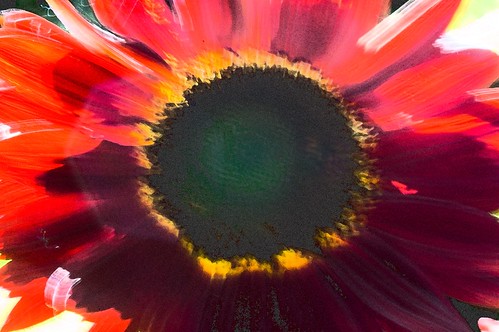
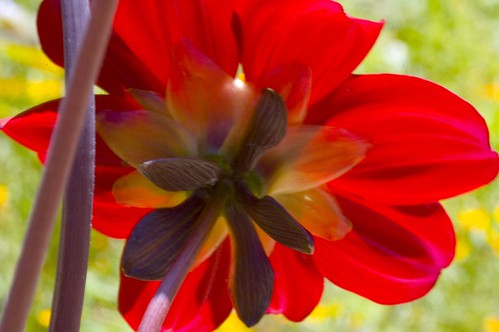
I thought this photo looked like a painting when I took it, and I did my best to accentuate the effect in post-production processing.
First I applied Photoshop’s Fresco filter, then the Film Grain filter. After I cleaned the image up, I cloned some of the detail in the heart of the flower back in from the orignal image (proving, which I didn’t know before I tried, that you can use the Clone Tool between images, not just intra-image).
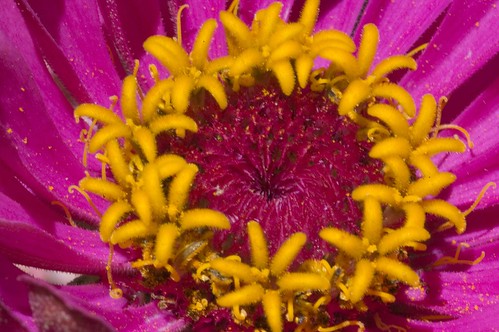
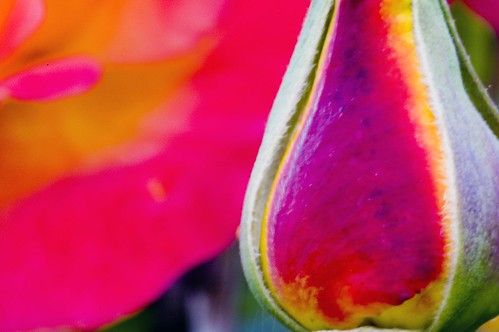
Check out some more of my recent flower pix (all post-processed in Photoshop, different manipulations and level of work involved):