Archive for the ‘Photography’ Category

The Back Side

Friday, February 26th, 2010

The Back Side

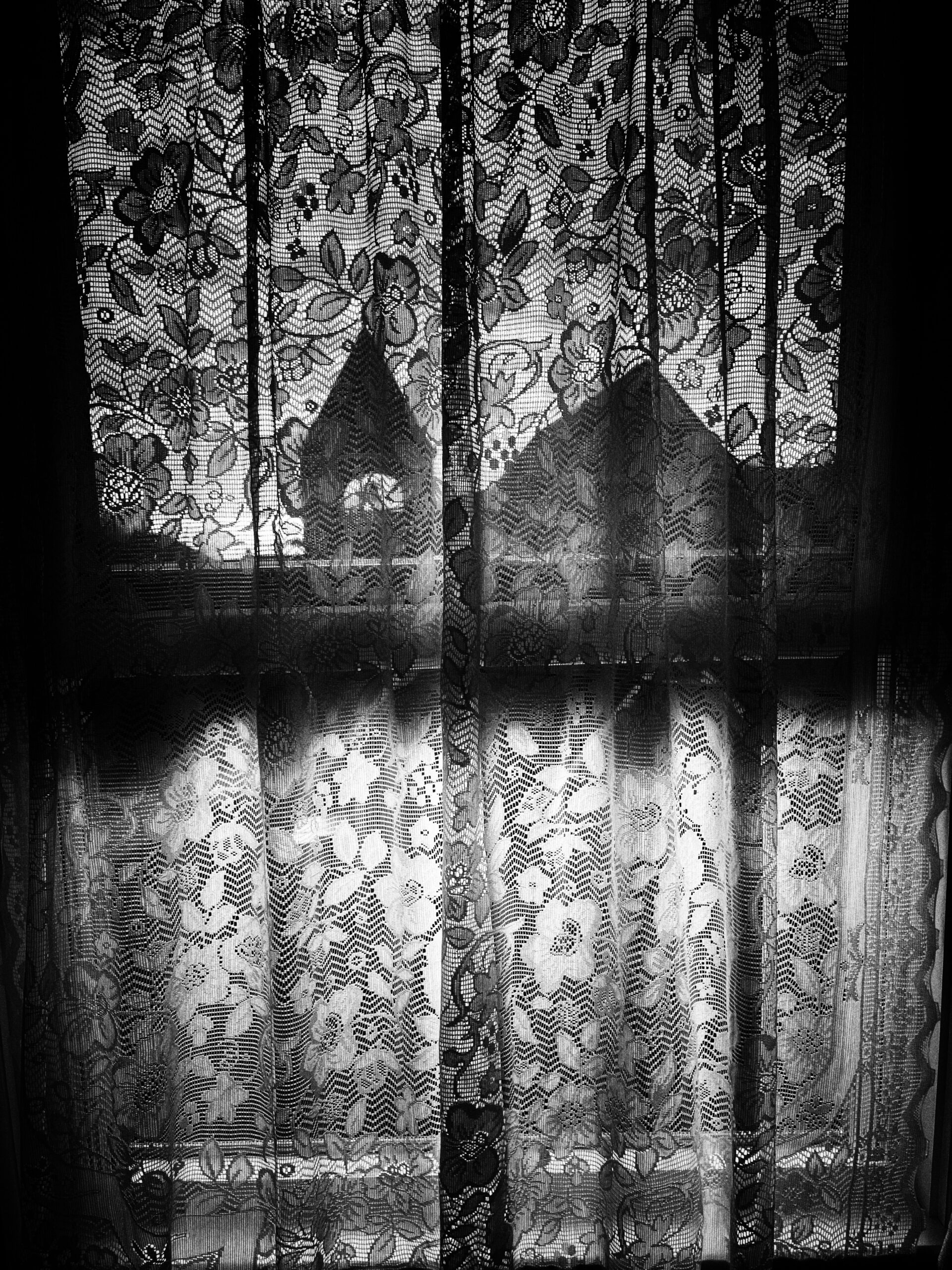
The Back Side, photo by Harold Davis. View this image larger.

I underexposed this image so I could bring out the human form and shapes in post-processing against a very dark background.

The Front Side

Thursday, February 25th, 2010

The Front Side

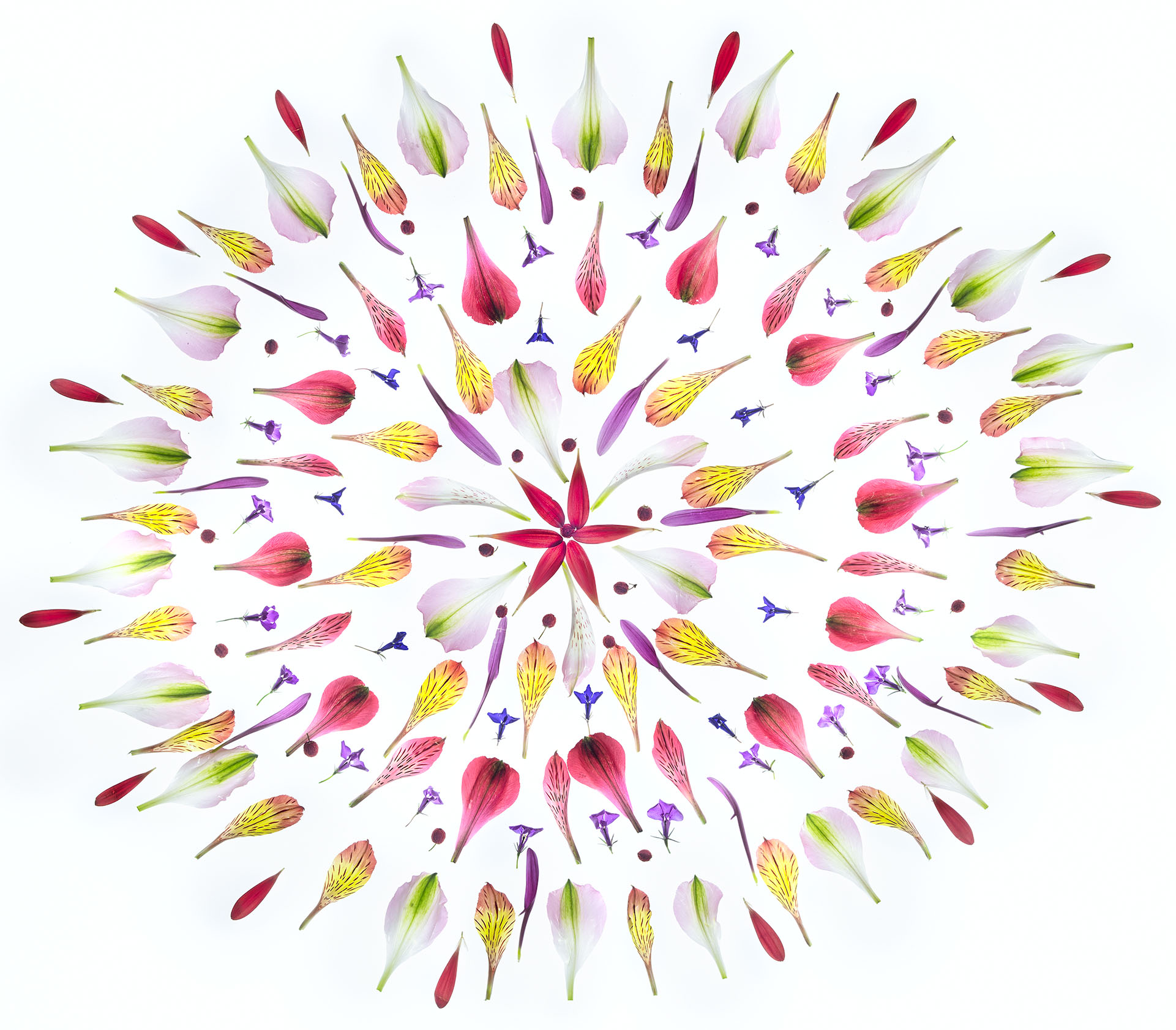
The Front Side, photo by Harold Davis.

This is a photo about lines, textures, and the contrast between smooth white and dark black. Really, this is true.

Pinhole

Wednesday, February 24th, 2010

Cathedral Spires and Bridalveil Falls

Cathedral Spires and Bridalveil Falls, photo by Harold Davis. View this image larger.

This is a view of Bridalveil Falls and Cathedral Spires in Yosemite Valley processed to simulate a pinhole camera: vignetting at the edges, softness, brightness in the center, high depth-of-field, and an overall antique look.

Digital simulations of “looks” from the back pages of classic analog photography are great fun!

Kimi Solarization

Monday, February 22nd, 2010

Kimi Solarization

Kimi Solarization, photo by Harold Davis. View this image larger.

Speaking of solarization—we were talking about solarization, right?—here’s a black and white photo of the model Kimi treated to virtual solarization.

For those who don’t know, solarization—also sometimes called the Sabattier effect—in the chemical darkroom meant re-exposing already exposed film or photographic paper to light, often creating an inversion or partial inversion (reversal of blacks and whites). Digital solarization is a virtual simulation, or replication, of this effect.

Blue Velvet

Sunday, February 21st, 2010

Life Is Full of Beauty

Life Is Full of Beauty, photo by Harold Davis.

In David Lynch’s wonderfully creepy classic film Blue Velvet you know you’ve entered an alternative and not altogether wholesame nether world when severed body parts start appearing at macro level in the grass.

In the Blue Velvet spirit, I am offering a prize to the first person to correctly identify the disembodied (so to speak) body part in this “wholesome” photo of water drops on two blades of grass. Please specify the body part, where in the photo it is to be found, and provide a theory as to whom it belongs. You can enter your guess or opinion as a comment on this blog story, or send me an email. I will be the sole judge as to accuracy and general craziness of any such submission.

The prize is a free copy of my new book Creative Black & White, shipped when it is available.

Web Solarization

Friday, February 19th, 2010

Web Solarization

Web Solarization, photo by Harold Davis. View this image larger.

I shot this beautiful wet spider web by the early light of dawn on a foggy morning, then solarized it in Photoshop—more accurately, simulated a solarization effect—followed by a monochrome conversion.

Pink Rose 2

Thursday, February 18th, 2010

Pink Rose 2

Pink Rose 2, photo by Harold Davis. View this image larger.

I forgot to blog this pink rose from about a month ago; better late than never. Particularly when I am coming in on the end of a major project with deadlines—as I am now—sometimes things get away from me.

Here’s the first Pink Rose. Enjoy!

Solarized Hellebore

Thursday, February 18th, 2010

Solarized Hellebore

Solarized Hellebore, photo by Harold Davis.

Solarization in photography reverses blacks and whites. Also called the Sabattier effect, in the chemical darkroom solarization was achieved by exposing an already exposed negative or print to light before development was finalized.

In the Photoshop darkroom, there are of course a number of ways to achieve a simulated solarization effect; the solarized (and converted to monochrome) version of Hellebore Curves is one example.

Hellebore Curves

Wednesday, February 17th, 2010

Hellebore Curves

Hellebore Curves, photo by Harold Davis. View this image larger.

Flowers are beautiful—although why they seem so beautiful to us humans is an interesting question. But when I photograph flowers close-up, like this tiny Hellebore, I am not looking to document that beauty. Instead, I am trying to create an interesting abstract composition that uses shapes, lines and (yes) curves to evoke the ideal flower while maintaining a sense of mystery and novelty.

100mm macro, 1.6 seconds and f/22 at ISO 100, tripod mounted, photographed in the calm natural light of morning with the Hellebore part of a medley in a shallow pan of water.

Mare Island Infrared

Tuesday, February 16th, 2010

Mare Island Infrared

Mare Island Infrared, photo by Harold Davis. View this image larger.

While on the topic of infrared captures, this is an IR photo of a drydock at the old Mare Island naval shipyard. I particularly noticed the way the infrared capture increased the contrast and drama in the sky.

Infrared Alice

Monday, February 15th, 2010

Infrared Alice

Infrared Alice, photo by Harold Davis. View this image larger.

This is a capture of Alice using a camera retrofitted to only shoot IR.

Rendition of colors (or black and whites in this case) is quite odd using IR and seems to depend on the light source—studio strobe lighting in this capture. If you look at my shots of Alice by visible light you’ll see that her eyes are light blue (not black as in the IR capture) and that her underwear is opaque black, not the slightly transparent taupe that her bra and panties appear to be under IR.

Some other infrared model shots: Infrared Portrait; Dream; Christianna.

There’s a section explaining black and white infrared (IR) photography in my forthcoming book Creative Black & White: Digital Photography Tips & Technques.

Photographing Alice

Sunday, February 14th, 2010

Alice

Alice, photo by Harold Davis. View this image larger.

I photographed Alice, a model from Italy, the other night in a studio in San Jose. Alice is show in color (above) and converted to black & white below.

Alice in Black & White

View this image larger.

Lenten Cross

Saturday, February 13th, 2010

Lenten Cross

Lenten Cross, photo by Harold Davis. View this image larger.

Phyllis arranged the hellebore medley I photographed earlier into a regular pattern, with the results you see.

The Lenten Rose is a variety of hellebore, Helleborus Orientalis. It turns out that some of the Lenten Rose genome is present in most modern hellebore hybrids, so I’ve taken the slight liberty of naming this photo after both Lent and the pattern in the image, even though strictly speaking there are no Helleborus Orientalis in this photo.

Split Toning in a Winter Vista

Thursday, February 11th, 2010

Winter Vista

Winter Vista, photo by Harold Davis. View this image larger.

To enhance this monochromatic winter vista of Yosemite, I used a split toning effect. I added a deeper sepia tone to the darker tones, and lighter sepia to the brighter areas of the image.

In the analog darkroom, toning was a function of paper, processing and chemistry. Split toning was achieved by altering the process so that highlights were handled differently from the dark areas of the photo; for example, by stopping a chemical bath at an earlier point than normal.

In the Photoshop darkroom toning and split toning are, of course, virtual—like the entire digital monochromatic process. Digital black and white is an aesthetic intention with soul, a willful abnegation of color, and an intentional and anachronistic reference to the historical craft of photography.

You can learn more about toning and split toning techniques in Photoshop in Creative Black & White: Digital Photography Tips & Technques.

Hellebore Medley

Tuesday, February 9th, 2010

Hellebore Medley

Hellebore Medley, photo by Harold Davis. View this image larger.

Like Flower Medley, I photographed these Hellebores looking straight down. The Hellebore blossoms from my garden were floating in a pan of water. The pan was lined with black vinyl.

Exposure data: 100m macro, 1/10 of a second at f/16 and ISO 100, tripod mounted.