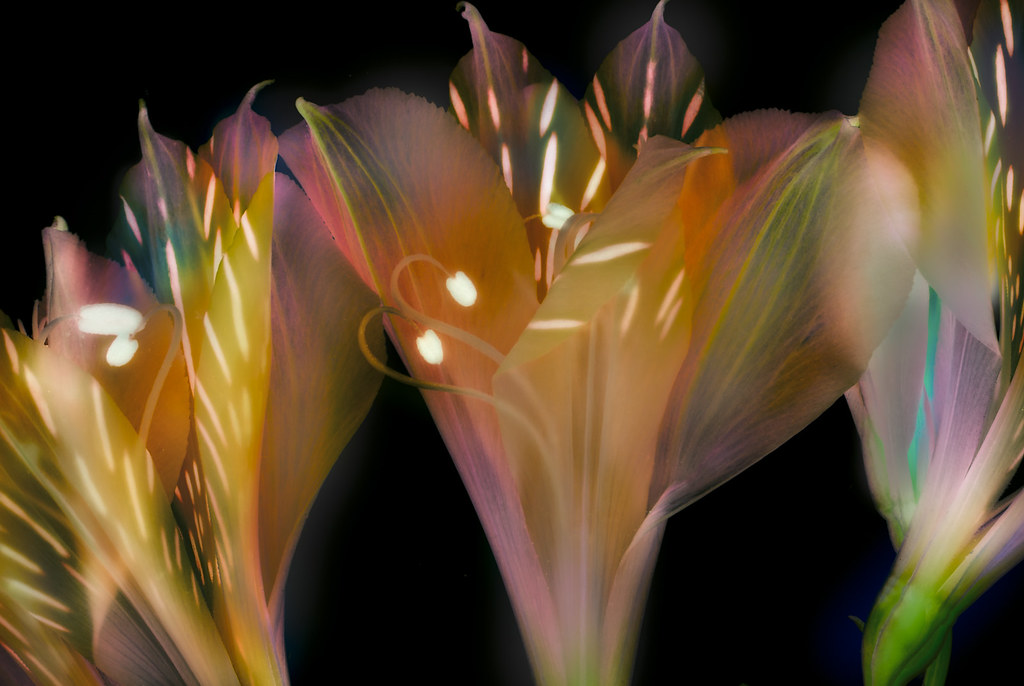
I’ve been photographing flowers for transparency the last few days, and processing them to appear on black and white backgrounds. The trick here is lighting, photography, and Photoshop: so three disciplines combine.
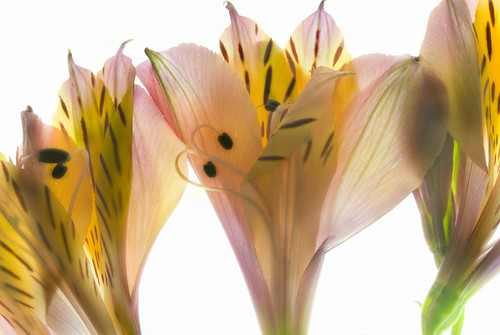
View this image larger.

In terms of lighting, you want a high key setup with strong backlighting. The exposure histogram should be biased to the right, implying nominal overexposure.
To put the flower on a black background, I convert to LAB color, and invert the L channel. I then adjust the colors and channels to create a pleasing effect.
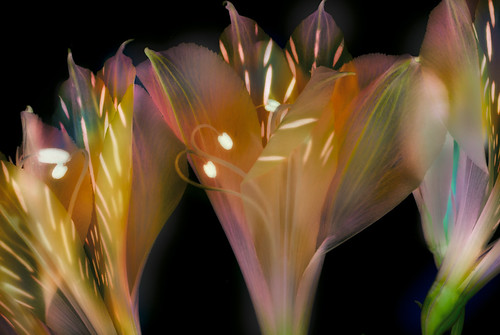
View this image larger.
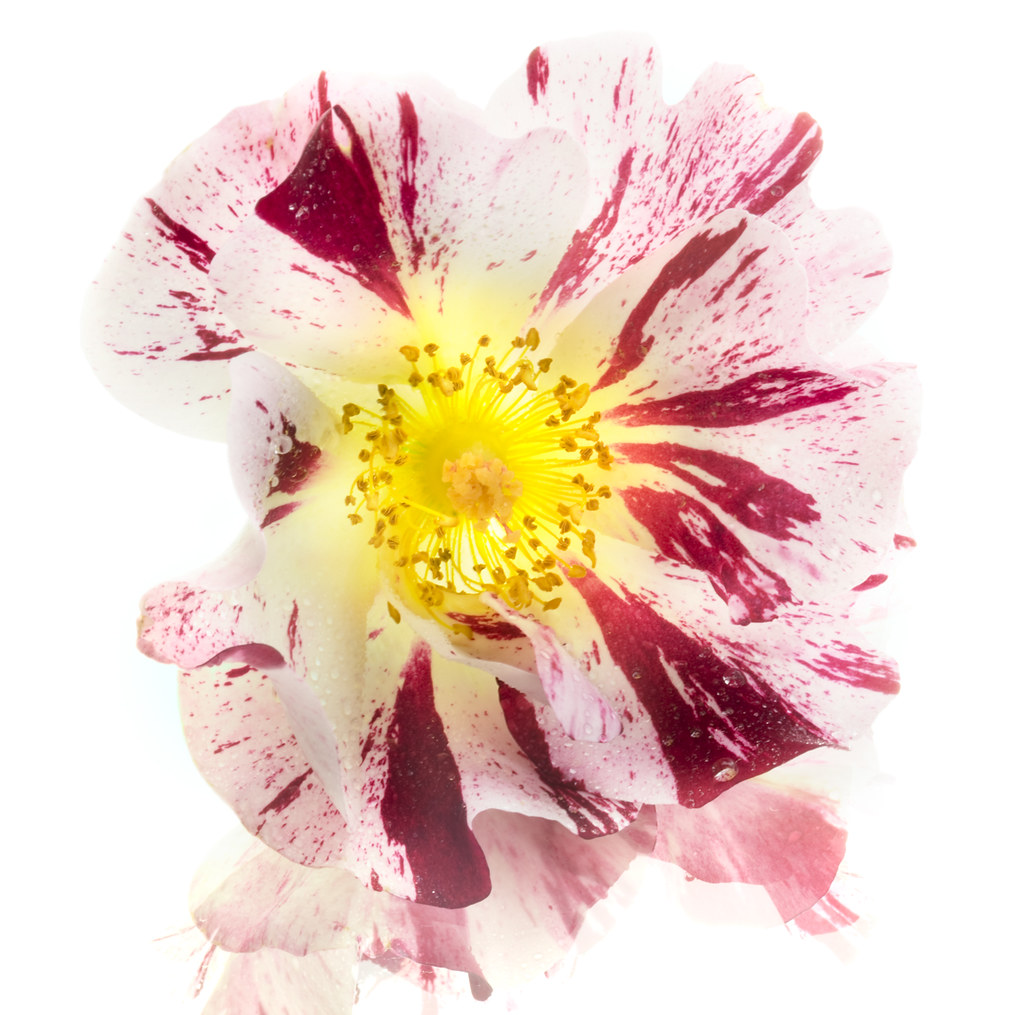
For the Fourth of July Rose below I used the lighting setup described in One-Off. This was an HDR image in the sense that I shot a number of different exposures, with the darkest more or less what the light meter liked. I started with the lightest exposure, and used layer masking to build up the final image.
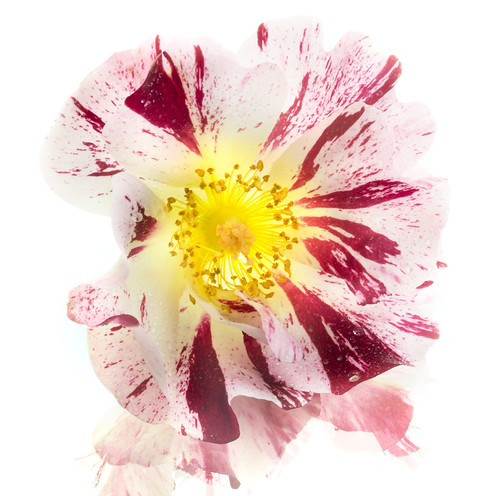
View this image larger.
Pingback: Inner Flower | Photoblog 2.0
Pingback: Alstromeria World | Photoblog 2.0