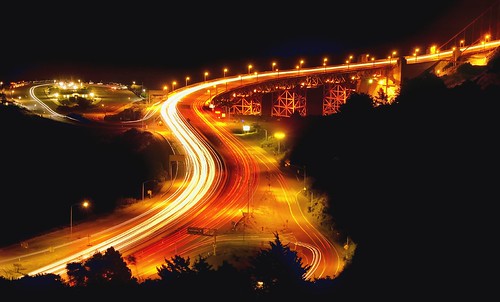
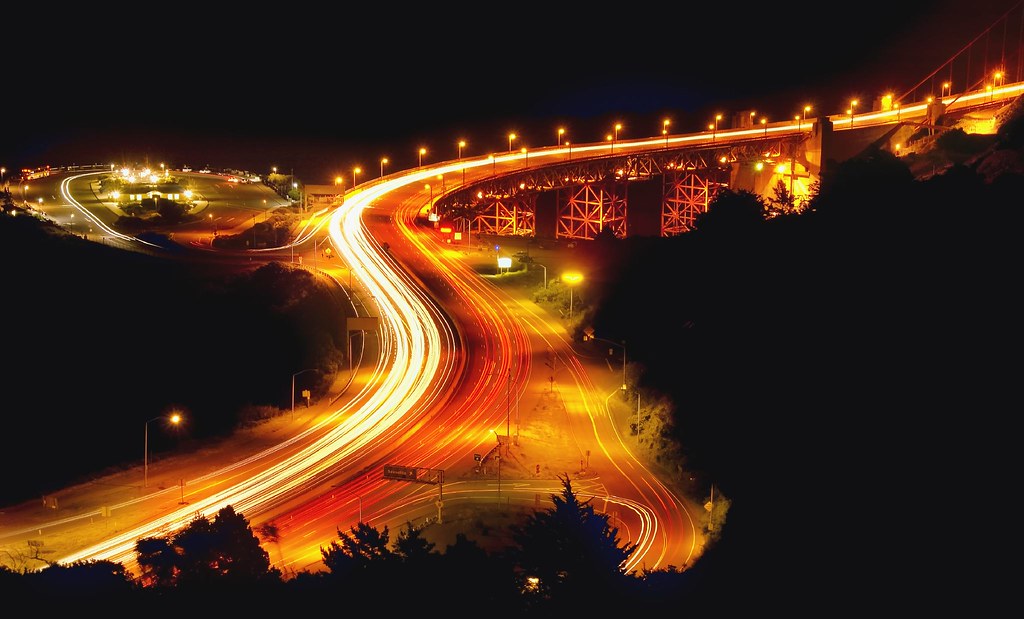
Behind us, the coyotes sang their eerie song and the stars twinkled over Gerbode Valley. In front, the lights of San Francisco and the approach to the Golden Gate Bridge made a vivid light show.
In this image, I held the shutter open for a minute to turn the motion of the cars into solid streaks of yellow and red light. I also underexposed by a couple of stops at f/11 to allow the background to go black while making the colors of the cars in motion more vivid.
When I saw the image in the Light Table mode of Adobe Bridge, the world was indeed abstracted out of the photo. All I saw was the S-shaped curve made by the car lights. Perhaps a little like the curve one should aim for in Photoshop when editing the Luminosity channel of a photograph in LAB color mode.
Pingback: Photoblog 2.0: » Photoblog 2.0 Archive: » Golden Gate at Night