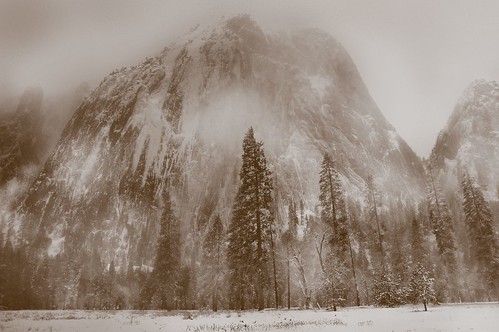
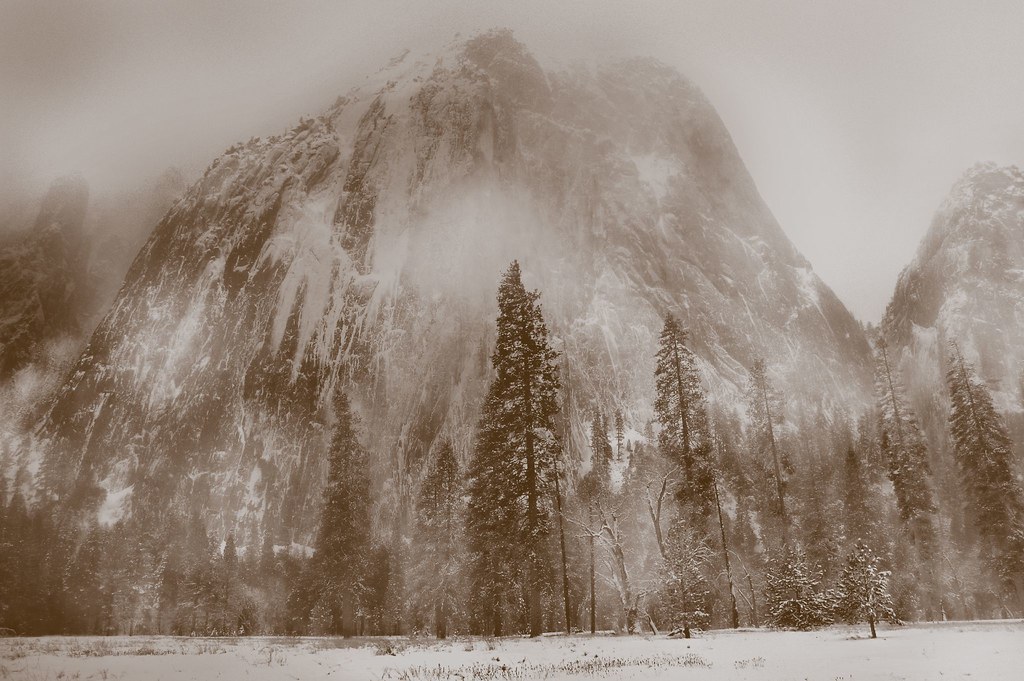
I thought it would be interesting to see my image of Church Towers from the Yosemite Valley floor in winter as it might have looked as a palladium or platinum toned print.
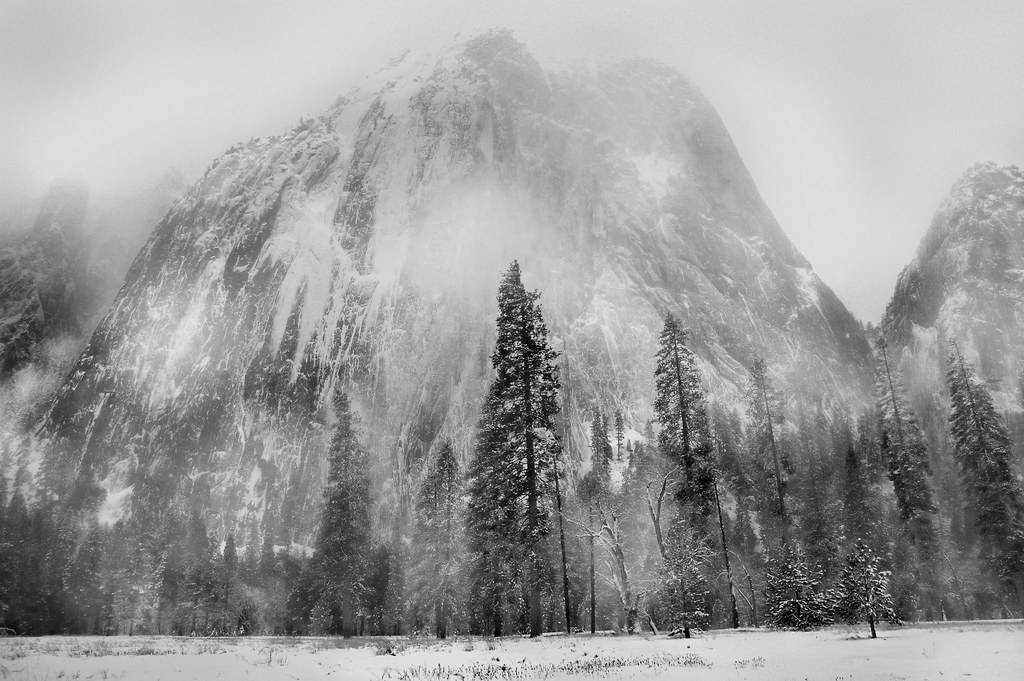
First I converted the image to black and white in Photoshop, using the so-called Ansel Adams effect (results below). I converted the black and white image to grayscale, then converted the image to Tritone, picking colors and adjusting the curves to get the effect I liked. As a last step, I converted back to RGB added a red-tinged adjustment layer in Color blending mode to pick up a hint of red for my “toned” digital image.
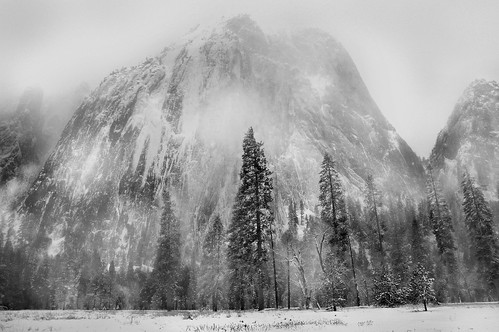
View this image larger.
Pingback: Photoblog 2.0: » Photoblog 2.0 Archive: » Nautilus in Black and White
Pingback: Photoblog 2.0: » Photoblog 2.0 Archive: » Monochrome Shore