Hood Ornament
February 8th, 2010
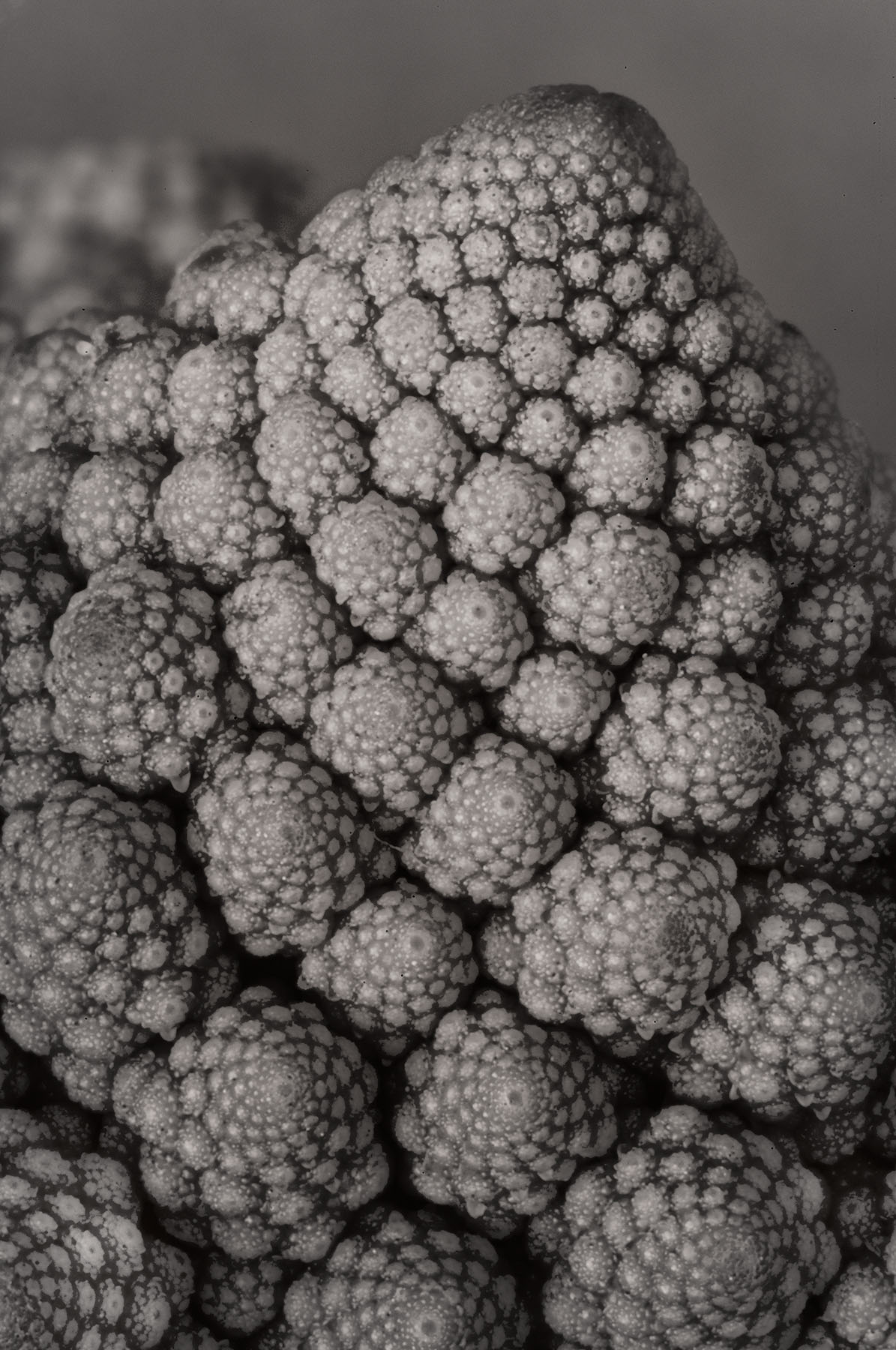
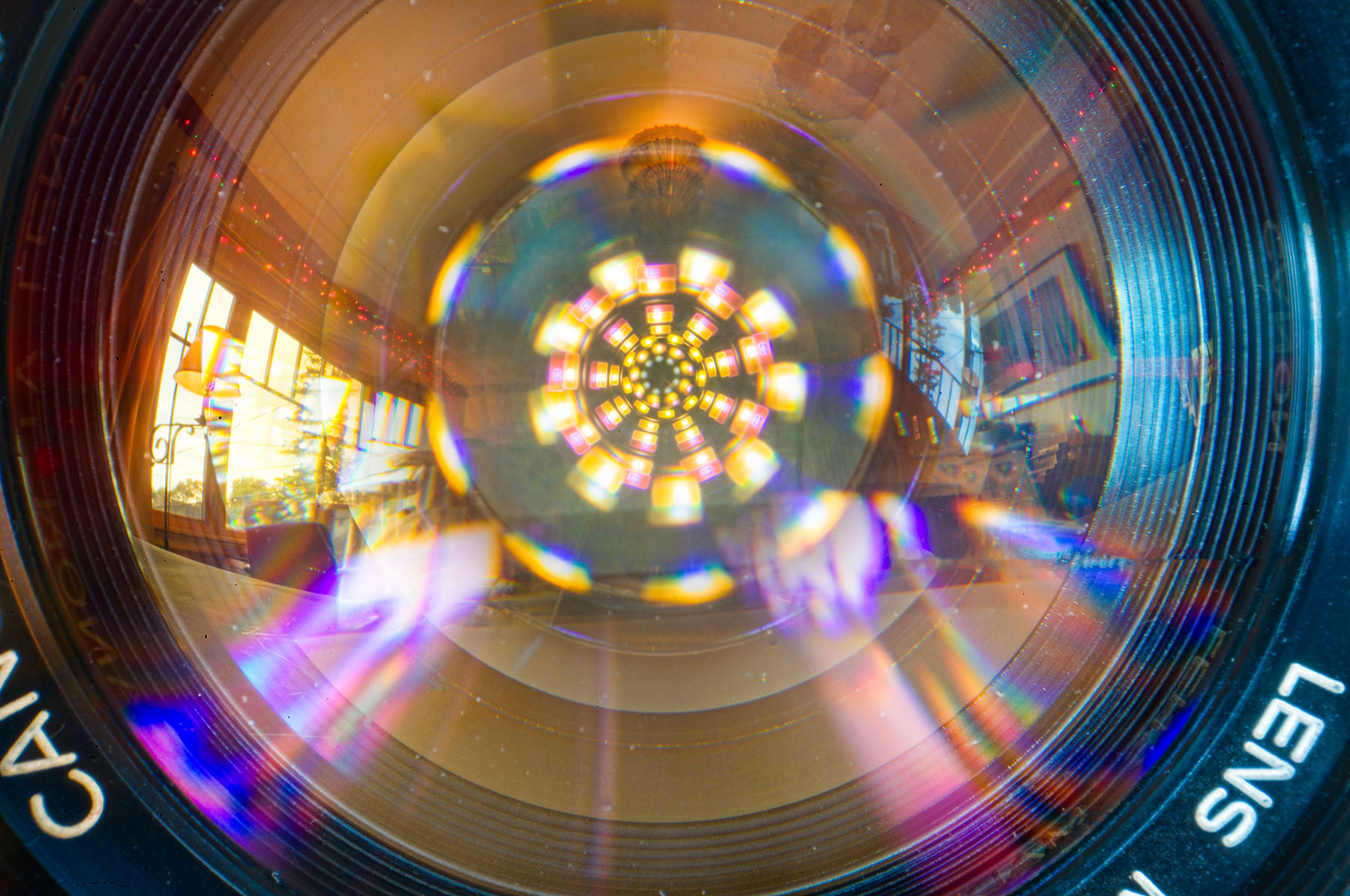
Hood Ornament, photo by Harold Davis. View this image larger.
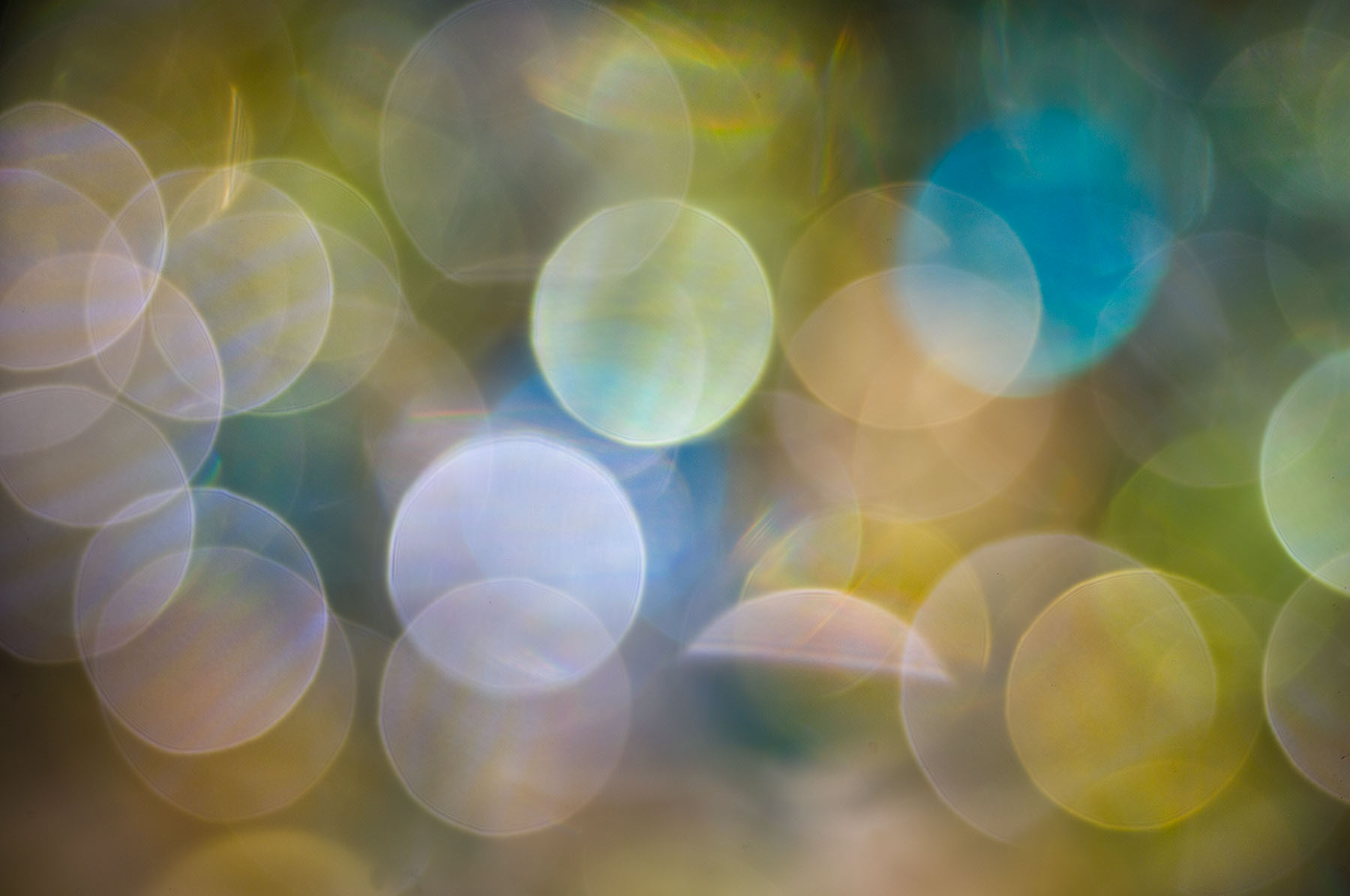
I don’t think I’d want one of these in my belly button, but on this model it creates a pretty interesting landscape.

Hood Ornament, photo by Harold Davis. View this image larger.
I don’t think I’d want one of these in my belly button, but on this model it creates a pretty interesting landscape.

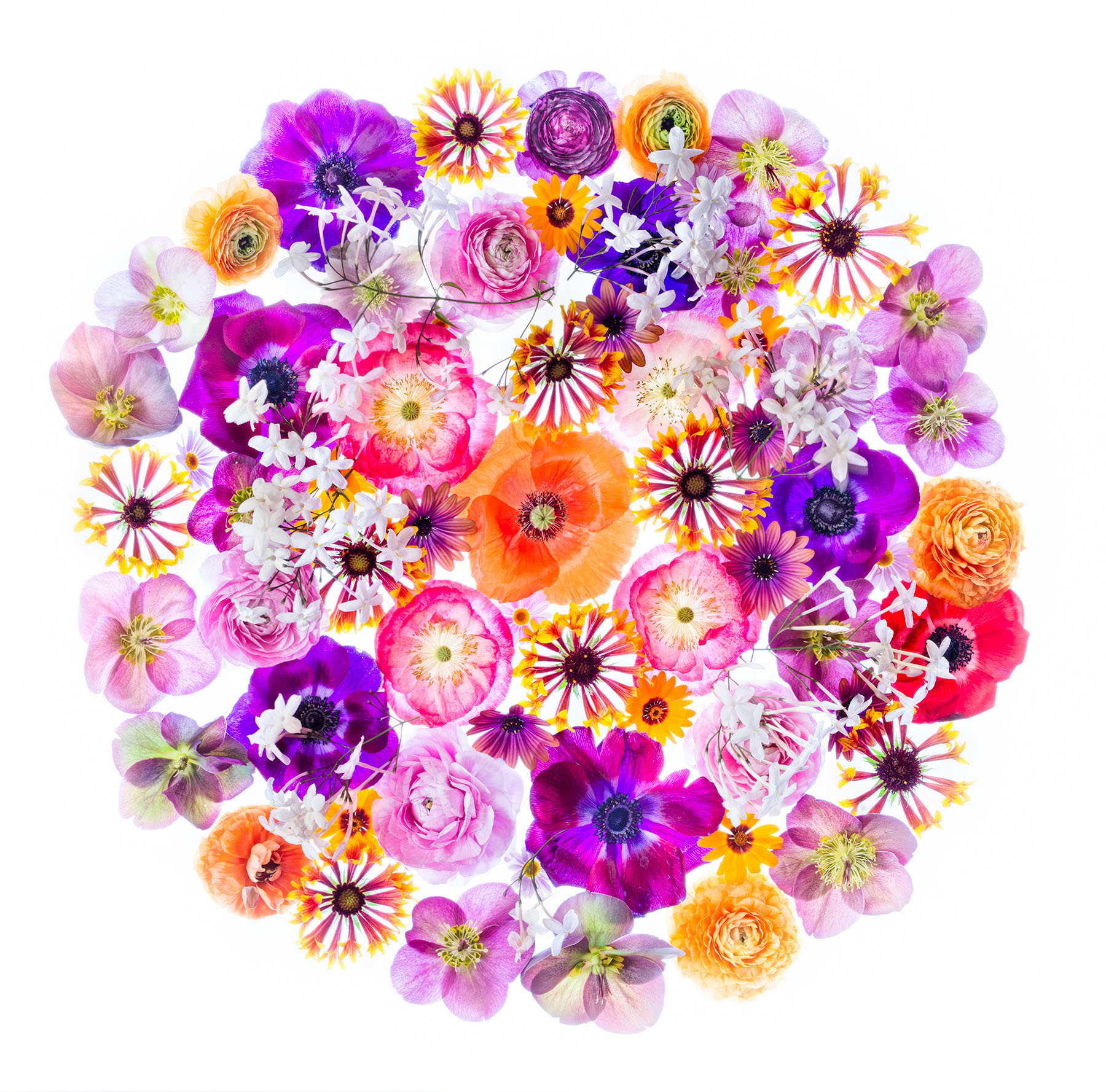
Floral Medley, photo by Harold Davis. View this image larger.
This floral medley contains roses, a camellia, and three varieties of hellebore. The hellebores and camellia are from my garden, but the roses come from Trader Joe’s.
I photographed these flowers floating in a black tray of water this morning using my 85mm macro stopped down to f/64 for maximum depth-of-field—and hang the diffraction.

Capitolio Nacional, photo by Harold Davis. View this image larger.
This is a shot—or, more accurately, three shots—of the Cuban Capitolio Nacional in Havana. The elegant building is mostly empty, and was hardly ever used for its intended purpose.
I took the photos that went into this extended range composite on a tripod, using my 10.5mm fisheye lens at f/22 and ISO 100. The captures were made at 0.4 seconds, 0.6 seconds and 1.3 seconds. The fisheye made for a pretty vertiginous effect, and I decided to see if I could amp it up with some black and white HDR processing.
I fed the three captures in RAW form through Photomatix and then played with the tone curve. After processing, I borrowed a trick from Trey Ratcliffe and re-processed. You can do this by hitting the Apple (Ctrl on Windows) key and the ‘T’ key. I used the second tone curve application to lighten the image up. Processing twice (or, hey, even three times) in Photomatix isn’t right for every image, but for some it works wonders.
The Photomatix version of HDR usually doesn’t appeal much to me (Ratcliffe’s images are no exception in this regard). The good news when you convert to black and white is that you lose the garish colors.
I used the Nik Silver Efex Pro High Structure filter to add a little more definition—and a bit more tonal range—to an already pretty highly charged black and white image.

Ice Storm in Yosemite, photo by Harold Davis. View this image larger.
This is a photograph of an ice storm in Yosemite Valley. The lines in the ice on the trees could easily have looked “yucky” when they were sharpened. We’ve all seen oversharpened photos. Yucky. Now there’s a technical term for you!
Fortunately, there is a better way than conventional sharpening tools. I use the image of the Yosemite ice storm to demonstrate the sweetness of selective sharpening with LAB color for compositional purposes in my latest Photo.net column about creativity in the Photoshop darkroom.
Here’s the full description: This tutorial has nothing to do with turning blurry or shaky hand-held images into tack sharp masterpieces. Rather, the point of the article is to teach you how to sharpen selectively or compositionally using LAB color. This can be done to direct the viewer to certain parts of the image. Harold Davis walks you through how to convert to LAB color, and then how to apply a series of sharpen masks and layers to selectively and artistically sharpen your images.
Check out Sharpening in LAB Color, and then try your hand at sharpening your own images with this way cool technique.

Reach for the Sky, photo by Harold Davis. View this image larger.
This is a black and white rendition of my rather dramatic fisheye image of Bristlecone Pines, some of the oldest living things, photographed in the White Mountains along the California-Nevada border.

A Matter of Perspective, photo by Harold Davis. View this image larger.
This image is a trick because the convergence of lines depicted is not possible as a matter of perspective. Yet the image is apparently plausible. Can you spot how I pulled it off?
More about my impossible images; La Vie En Rose; my Impossible set on Flickr.

Infrared Portrait, photo by Harold Davis. View this image larger.
As opposed to Dream and Christianna, which were taken at a high ISO using mostly ambient light, this infrared portrait was lit with (mostly) direct studio strobes for a fairly normal studio exposure (1/160 of a second at f/8 and ISO 200).
The infrared capture makes Christianna’s skin look almost like ivory—very different than a photo made with normal sensitivity to light.

Mare Island Night Photo Shoot, photo by Harold Davis. View this image larger.
This light painting extravaganza took place during my night photography shoot on Mare Island sponsored by Renegade. The big impact of relatively small lights at night has to be seen to be believed. This was great fun, and a great group of shooters.
More Mare Island.

Dream, photo by Harold Davis. ew this image larger.
This is another infrared shot of the model Christianna. I used a camera retrofitted for sensitivity only in the IR spectrum.
Christianna looks pretty different in my previous shot—it’s amazing how good models can take on so many different guises in front of the camera.

Cuban Portrait No. 1, photo by Harold Davis. View this image larger.
I photographed this man on the streets of Cienfeugos, a small city that is one of the provincial capitals of Cuba. He was playing guitar in an impromptu street concert. There’s a great deal of wonderful music in Cuba, possibly because there aren’t so many other forms of entertainment and distraction. The simple pleasures do not get lost in a wash of cell phones, texting and high definition television because most people do not have access to these things.
His face, I think, shows that this man has seen it all. Despite what he has witnessed, he stays serene and happy, and has a kind outlook on life.

Christianna, photo by Harold Davis. View this image larger.
This is the beautiful model Christianna, photographed in infrared with my old Nikon D70 (I had the camera retrofitted so it only shoots IR).

White Tulips, photo by Harold Davis. View this image larger.
Shot with a Lensbaby Composer and the standard glass optic, using the f/4 aperture ring. I love my Lensbaby, a great spur to creativity when I’m feeling like trying something different. Check out my Lensbaby set on Flickr.

Winter Reflections, photo by Harold Davis. View this image larger.
I converted this image of winter reflections in Yosemite Valley to black and white using one of the simplest conversion techniques from a RAW original. The Grayscale Mix on the HSL/Grayscale tab of Adobe Camera RAW (ACR) does it all in only a few clicks, and provides a fair amount of control over the conversion. You can get good results this way quite quickly.

Bristlecone Pines, photo by Harold Davis. View this image larger.
This is a shot of the textures of an ancient bristlecone pine. You can read more about these fantastic trees, the oldest of all living things, elsewhere on my blog. Also check out Day of Reckoning, another shot from the same session as this textured photo.
I converted the RAW photo to black and white in Photoshop using a layer stack of Black & White adjustment layers from bottom to top:
You can learn more about my black and white conversion process in Creative Black & White: Digital Photography Tips & Technques.

Stone Wave, photo by Harold Davis. View this image larger.
The Wave is a marvelous rock formation on the Utah-Arizona border. You can read about some of my adventures visiting The Wave in this story written a few years back, and see some of my other photos of the place. Lost in the Desert continues the story of what happened after I photographed The Wave.
Most of my photos of The Wave are in color—but this is a good subject for black and white as well. In this photo, the monochrome helps to mask the scale of the place: you don’t know at a glance whether it is big or small. Answer: very, very big.