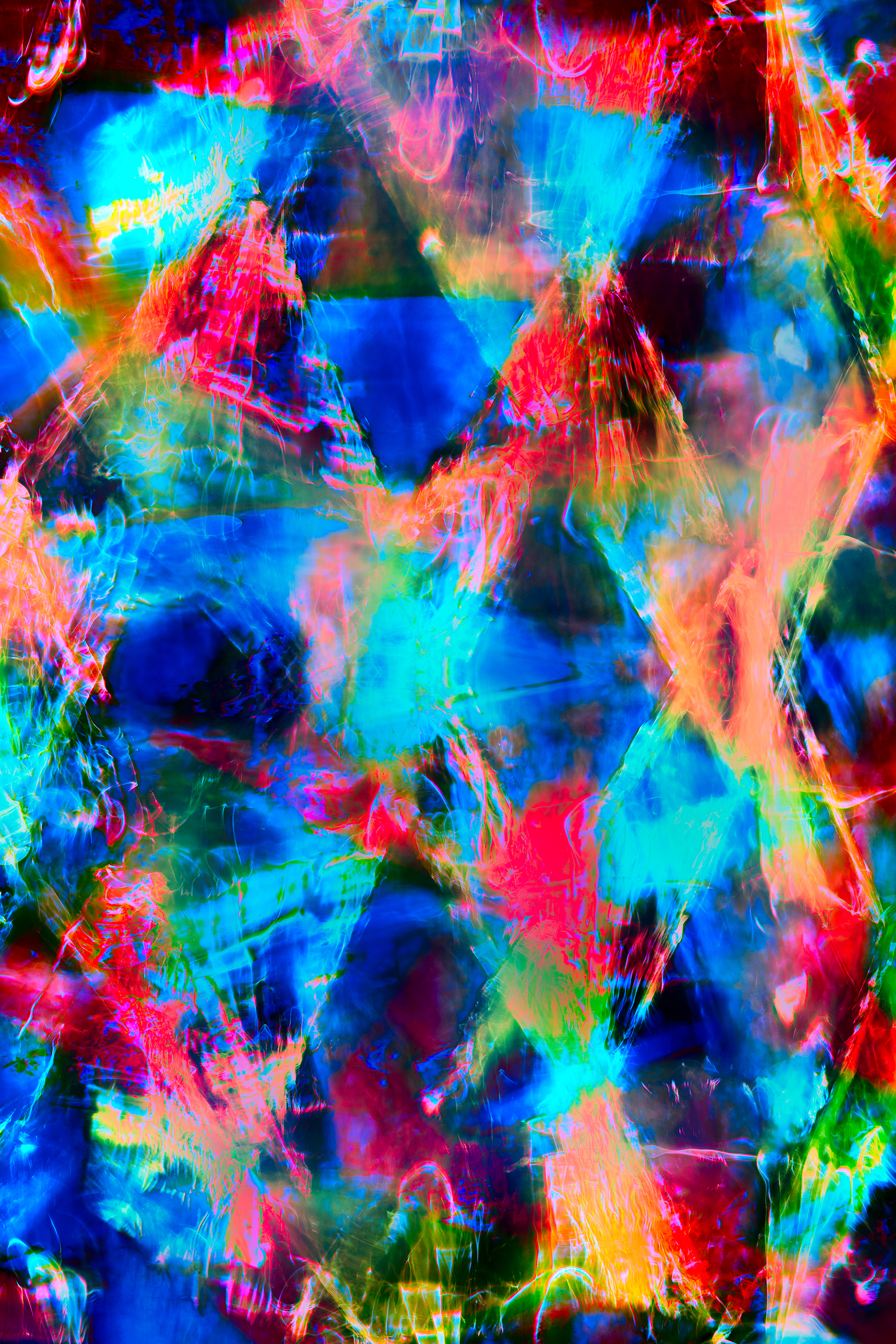
I am feeling smug that I still have some decent computer skills. The last time I updated this Photoshop Action (a kind of macro using Photoshop’s internal scripting language) was a decade ago, for the publication of The Photoshop Darkroom.
The updated Action (Version 01.09.2019) contains some new usability features such as better labeling and hotkey access, and two new LAB color adjustments included in the palette. Click here to download the Readme file for Harold’s LAB Color channel adjustment action, and here to download the zip file containing Harold’s LAB action.
My LAB Color Action is free to download for personal use. For detailed instructions regarding creative LAB color and how to best use this action, stay tuned for the new Creative LAB in Photoshop course I am doing for Lynda.com/Linked In Learning.
bill bane
19 Feb 2019Just watched your Topaz webinar, where you said there was a FAQ on lightboxes. Could not find, so would it be possible to email me with the correct URL? BTW, have most of your books.
Harold Davis
20 Feb 2019Hi Bill, the FAQ with info on light boxes (scroll about midway down), can be found at https://www.digitalfieldguide.com/faqs/faq-photographing-flowers-for-transparency. Best wishes, Harold
Bo
12 Feb 2021learning color correction with Lab 。
Thank you very much
Pingback: Running Photoshop 2021 in Emulation Mode on a Mac M1
Eternal Treasures In Time
22 Dec 2023Hi! Cannot download the LAB ACTION–must be doing something wrong????
Harold Davis
23 Dec 2023Please try again, it should be fixed now!
Pingback: Gazania – Harold Davis
Bill James
23 Jan 2026I know that you offer the Action on a freeware basis, and am not assuming that you must offer technical support. I’ll just ask this in case I’ve come across a general issue which others might encounter, too. Trying to get started to use your LAC action, I’m using Adobe Photoshop 2026 on an almost new computer running in Windows Windows 11, version 25H2 (a 3 month old Windows update). I’ve installed the LAB Action ATN file in an apropriate place, and I have the action button showing on my Actions panel.
After changing my color profile to LAB, I’ve I run the Action. I see the Photoshop error message: “The command “Select” is not currently available”. Now in the Channels box, the color profile has automatically been changed back to RGB, and not by me.
Is this a gremlin that is not unusual in the current version of Photoshop 2026, or does some more specific insight spring into your agile mind? I’m very intrigued with the possibilities that are opened up by using your LAB processing techniques, and would much appreciate your advice to begin to perform these actions. Please think it about and reply here and/or in an email to me directly.
Bill James
23 Jan 2026P.S. I downloaded the 2021 version from your webinar of 2021. Maybe there’s an updated version now?
Harold Davis
24 Jan 2026Do you have a document open when you run my Action? It sounds like you may not have an open window.